How to make an interior design quotation
A quotation copied from the last job carries the last job’s mistakes. Here is the whole path in Interior Quote, from setting up your firm to a quotation your client accepts on a phone and the invoice that follows, with a screenshot of each step.
 By Sajeesh V S, founder of Qrenzy. Updated
.
-
Set up your firm once
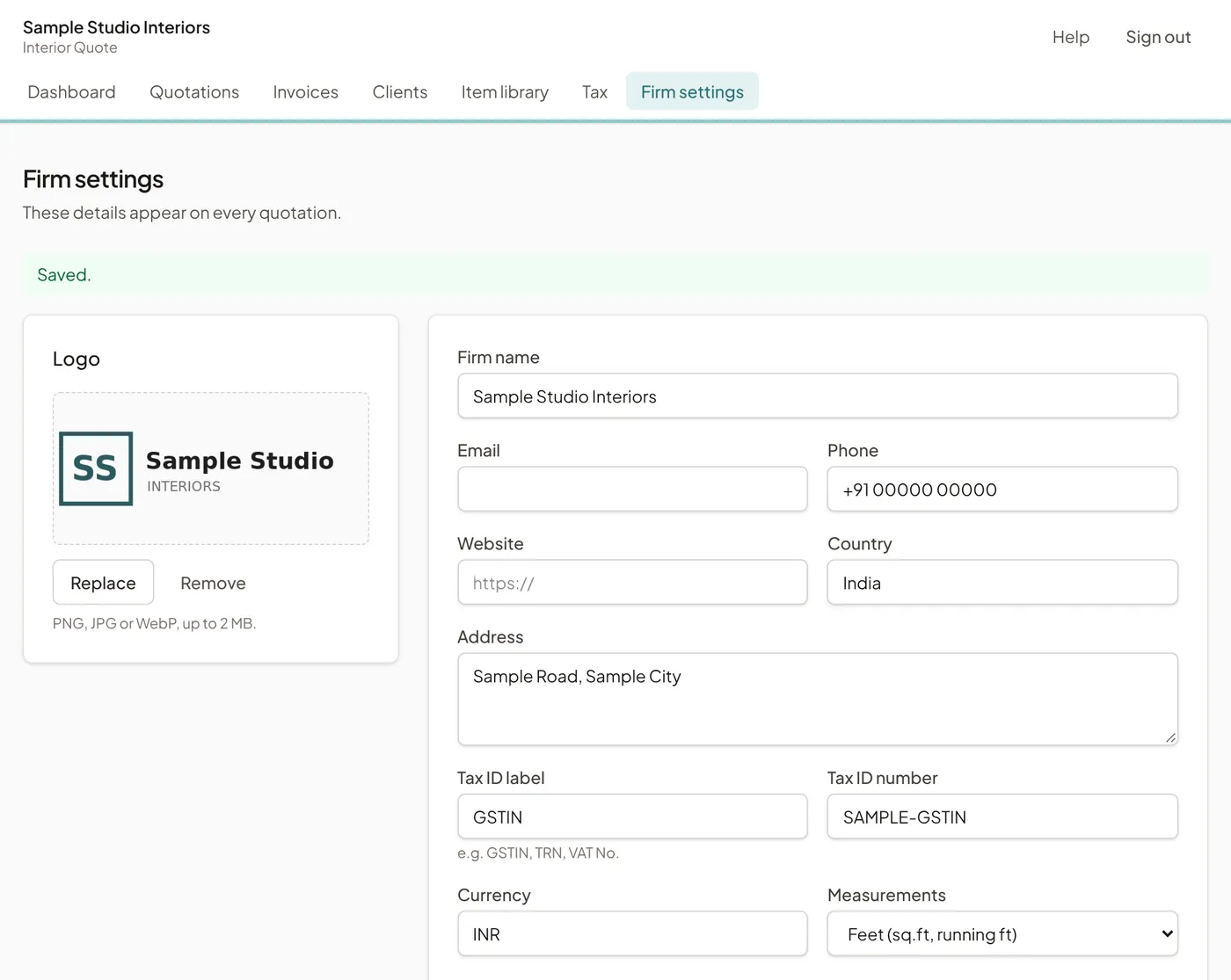
Add your logo, address, tax number, bank details and default terms in Firm settings. Every quotation after this starts with them filled in.
-
Load your items and rates
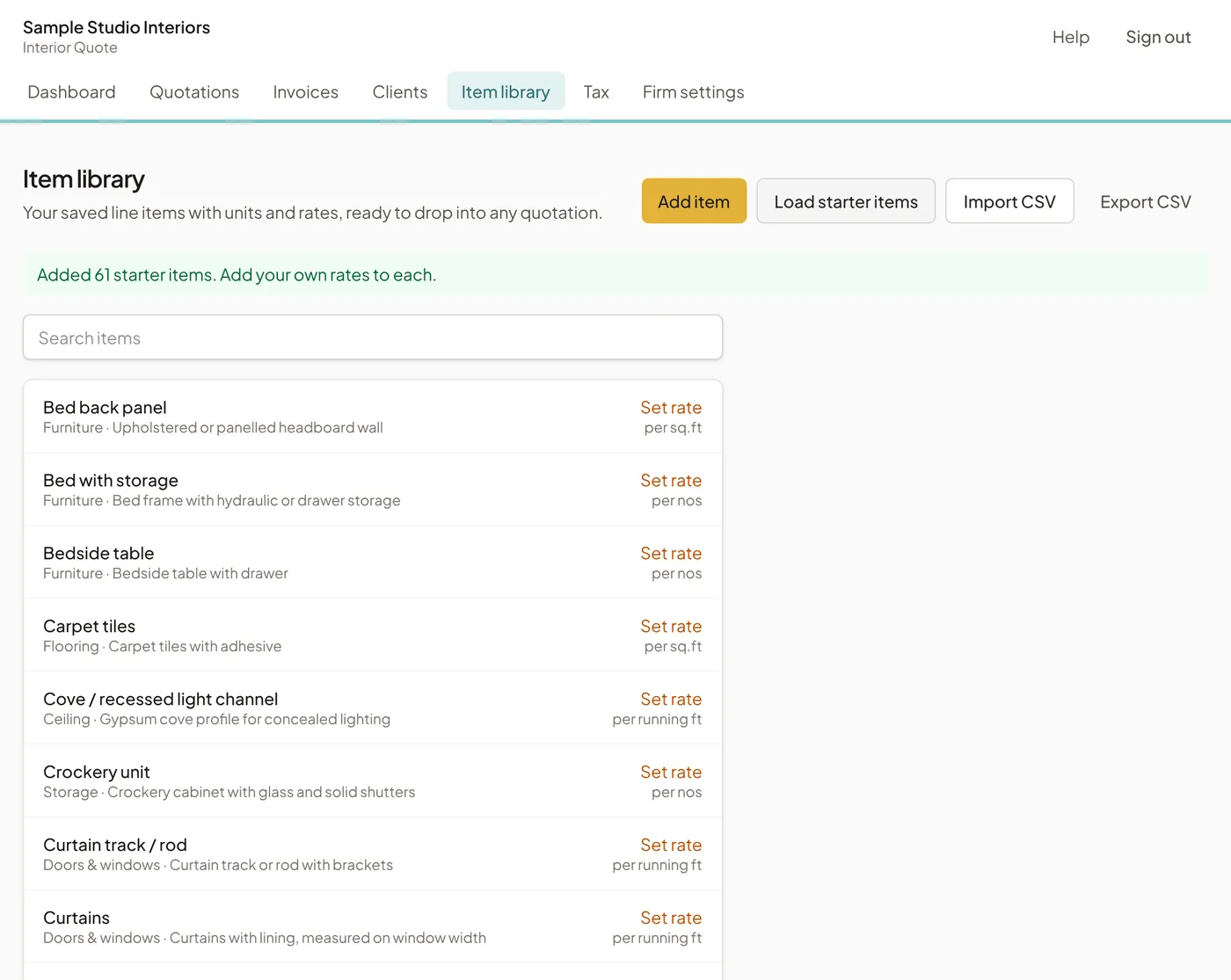
Load 61 starter items, from wardrobes to cove lighting, with units already set, and add your own rates. Next time you quote, you pick lines instead of typing them.
-
Build the quotation room by room
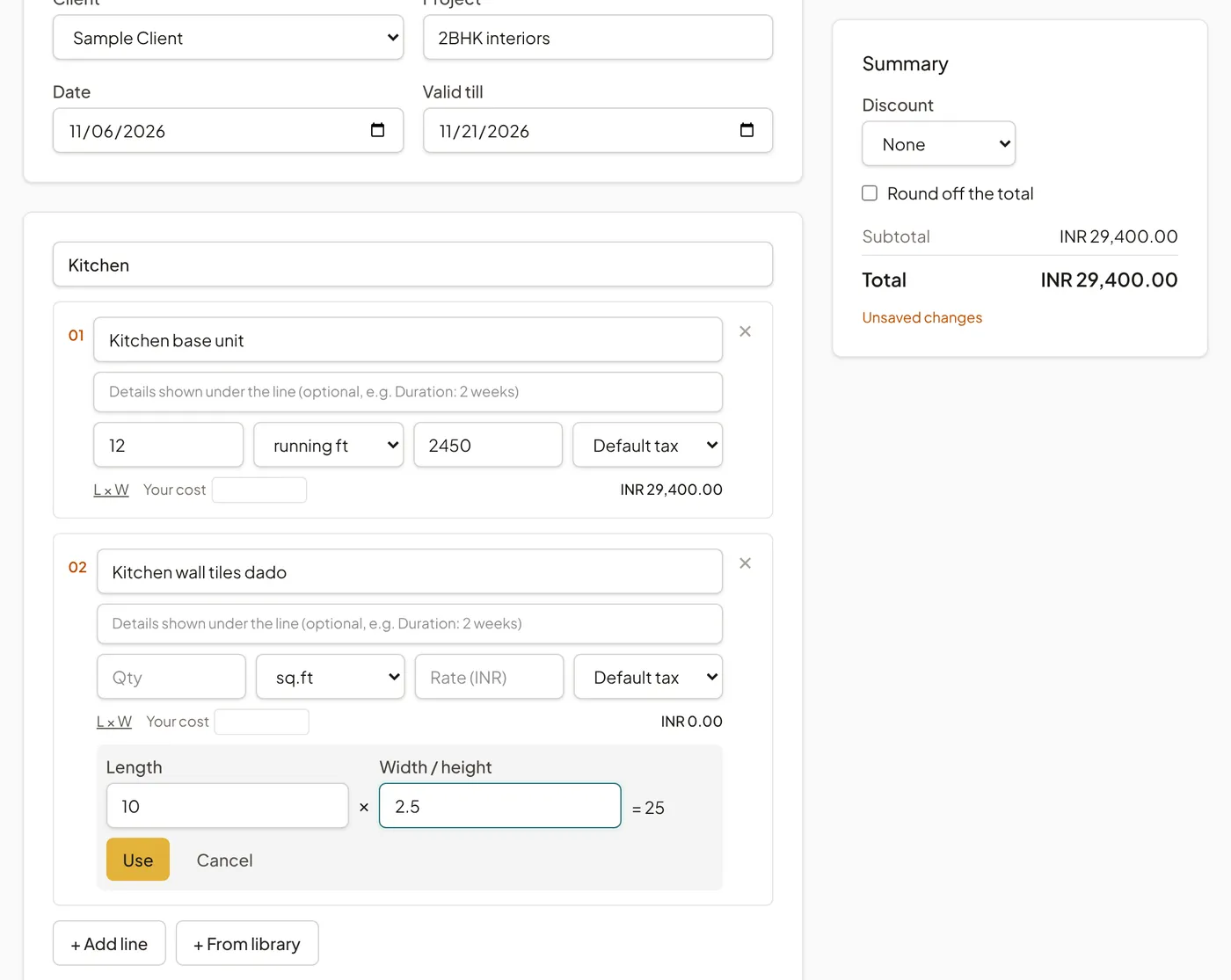
Add each room as a section and its lines with quantities in sq ft, running ft, metres or numbers. Amounts, room totals and the grand total update as you type.
-
Add tax, discount and payment stages
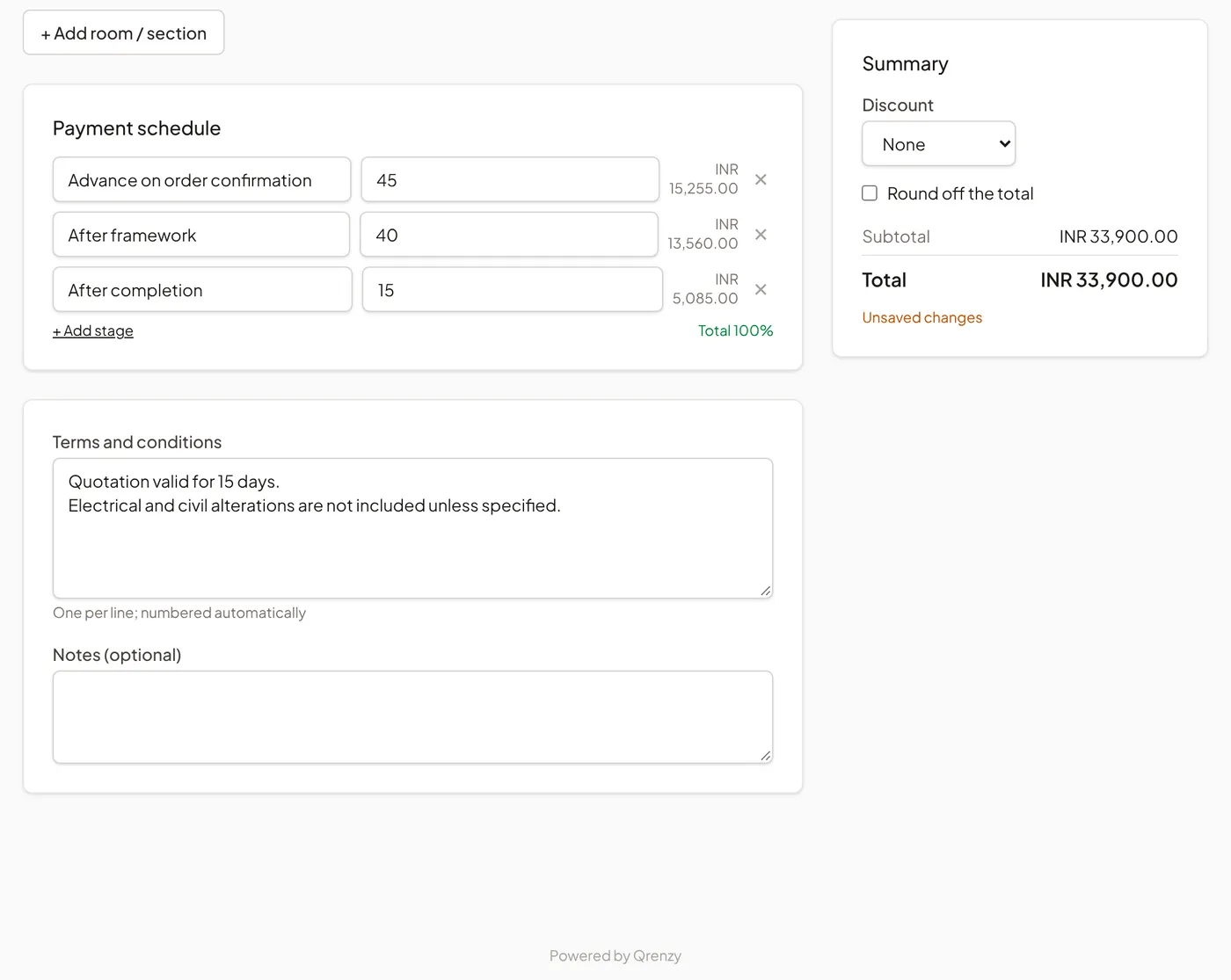
Pick GST, IGST, VAT or no tax, add a discount or round-off, and split the total into payment stages that always add up exactly. The amount in words is written for you.
-
Send it on WhatsApp
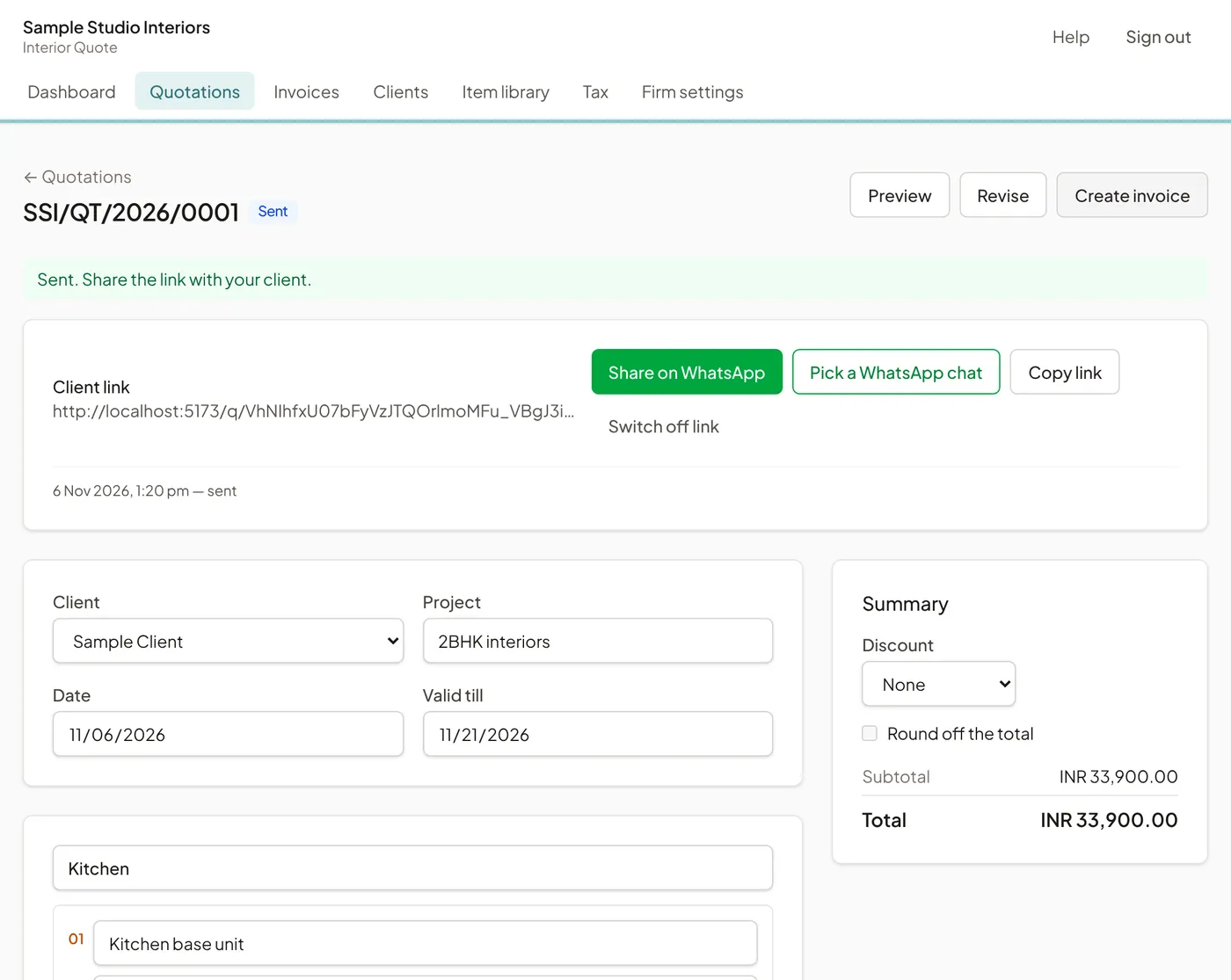
Sending locks that version and gives you a link. Share it on WhatsApp, email or SMS; a revision later keeps the same link and starts version 2.
-
Your client accepts from a phone
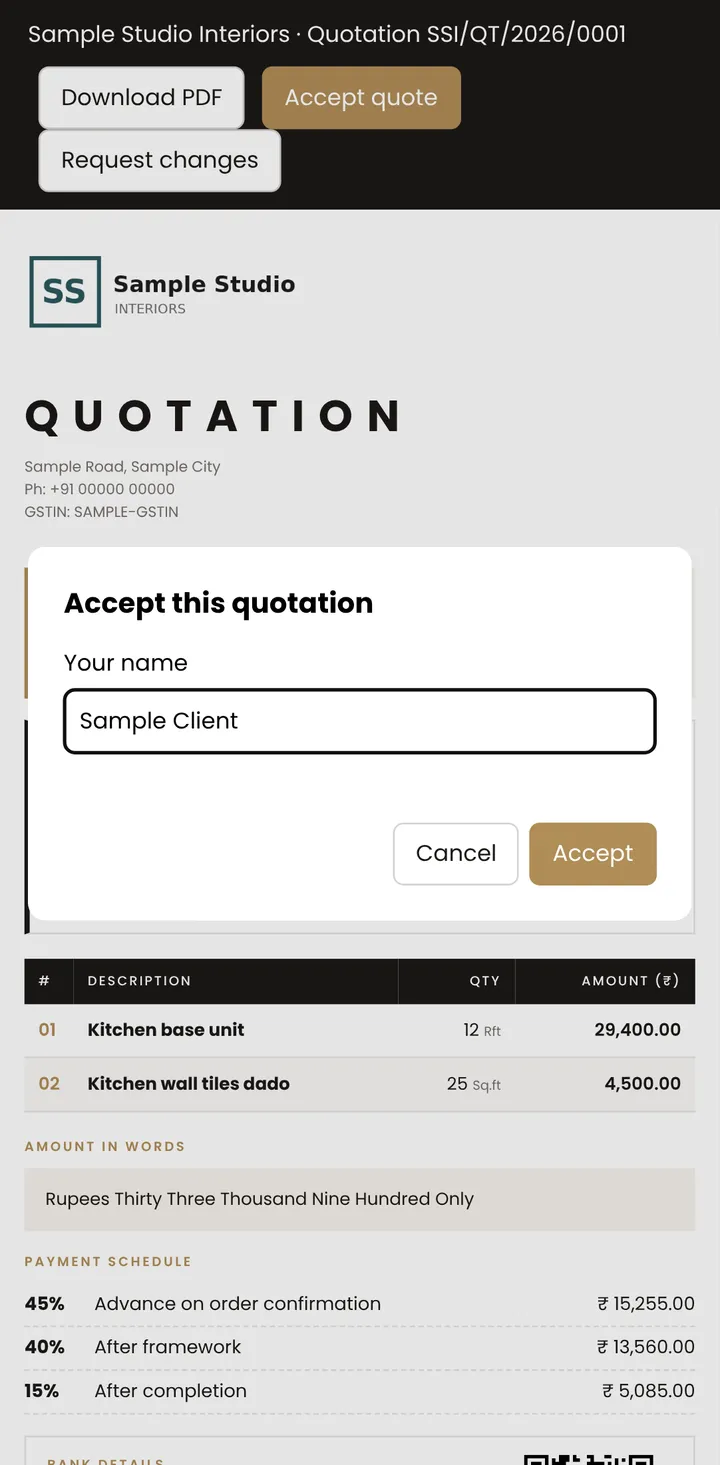
Your client opens the link, reads the quotation and taps Accept with their name, or Request changes. You see Viewed when it opens and get an email when they respond.
-
Invoice it and track payments
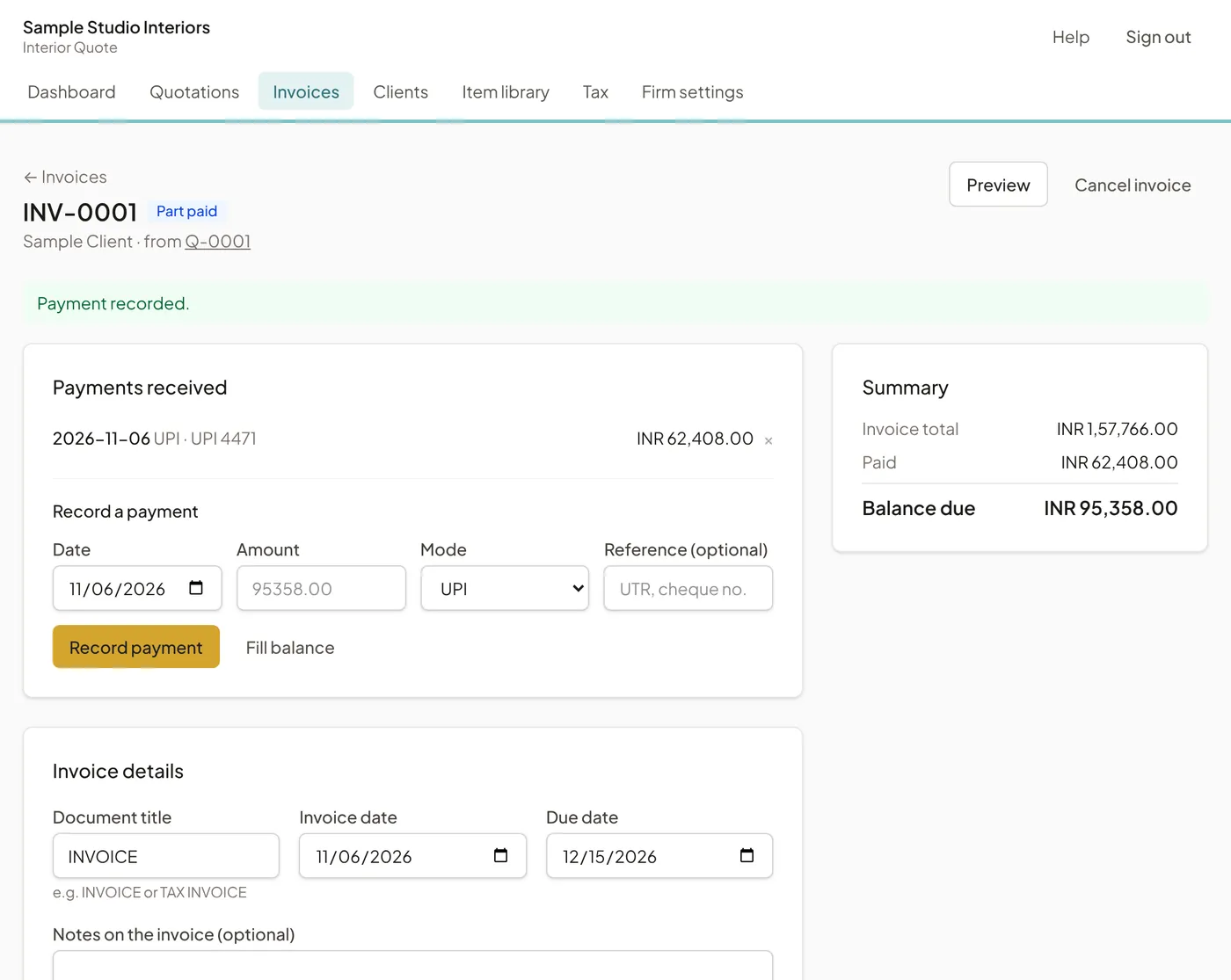
Turn the accepted quotation into an invoice in one step, record the advance and each stage as it is paid, and see the balance due.
Questions
Free during the pilot, with no card. Need just one quotation today? Use the free interior quotation template or the free interior calculators.
How long does it take to make an interior quotation?
The first one takes about ten minutes, most of it setting up your firm and rates. After that, a quotation for a 2BHK is mostly picking lines from your library and entering quantities.
Do I need to install anything?
No. Interior Quote runs in the browser on Android phones, iPhones, tablets and computers. Sign in with your email; there is no password.
Does my client need an account?
No. Your client opens the link, reads the quotation on any phone or computer and taps Accept or Request changes.
Can I still send a PDF?
Yes. The quotation is laid out for A4, so Save as PDF from the browser gives a clean PDF, and your client can do the same from their link.
What if the client asks for changes after I send it?
Revise the quotation and send again. The first version is kept exactly as sent, the revision becomes version 2, and the client’s link shows the latest one.